· Patch v0.1.1
Ask Claude about your Airlophone calls
Ask Claude what you promised on a call, using the call notes you choose to share. This patch also covers team controls, callback reminders, and forwarding.
What did I promise Maya on our last call?
Claude: You said you'd send the revised quote by Friday.
Set up ClaudeConnected apps
Connect Airlophone Professional in Claude or ChatGPT to find past calls and ask about the notes you share. In Claude, find Airlophone in the directory and choose Connect. In Airlophone, open Account and select Connected apps to see when an app last used your account, change its permissions, or disconnect.
Teams
Team admins can turn on AI apps in Team settings. Teams also share call recordings, transcripts and notes by default. Admins can switch off call content sharing in Team settings.
The October team update also gave admins more control in Team settings. They can limit which countries members call, set a default monthly limit for new invites, and choose whether to ask for an outcome after a call.
Calling
Set a callback reminder from a call or contact. Due reminders show on the Call page above Call lists. When you call someone again, you can see the notes from your last call.
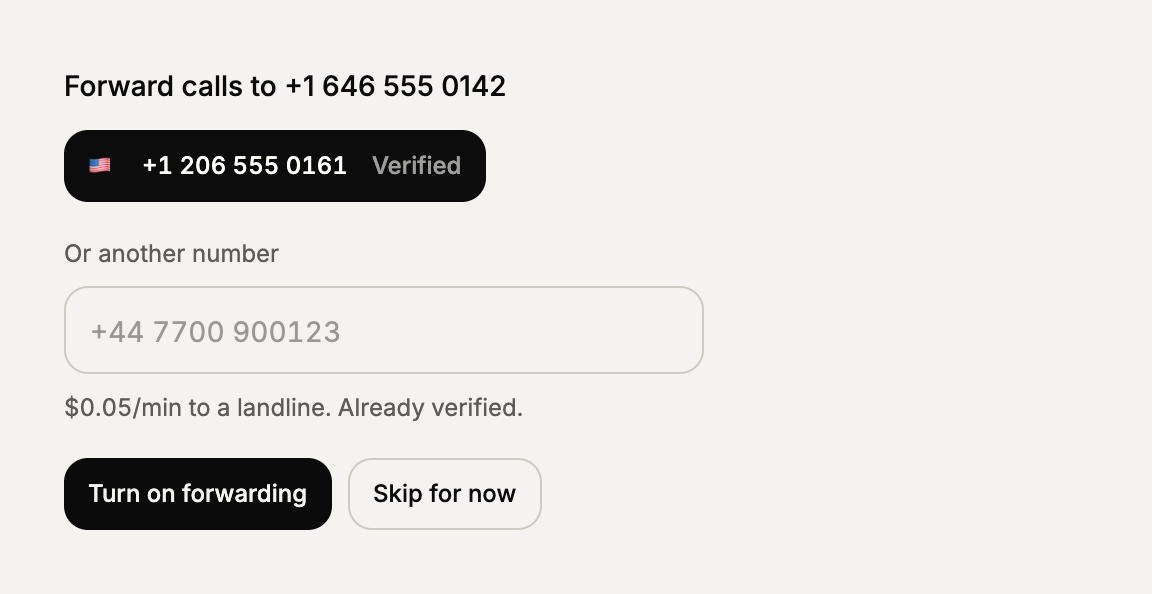
If you've set a verified forwarding number, Airlophone rings your browser, then your phone, then takes a voicemail. For outgoing calls, Airlophone prefers a rented caller ID, then a verified number. It remembers the caller ID you choose in that browser.
Sign-in and guides
The sign-in screen tells you when you can resend your email and explains when a link fails. We also added guides for switching calling services and comparing options by the kind of calls you make.